FRICTIONPASS
Sample Card
Install a sample card,
then send yourself a demo notification
Step 1 — install
Add to Apple Wallet Add to Google Wallet
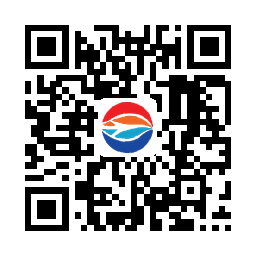
iPhone — Apple Wallet install QR
iPhone — Apple Wallet
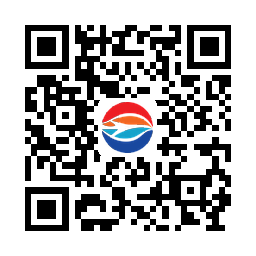
Android — Google Wallet install QR
Android — Google Wallet
Step 2 — after you've installed the card - lock your phone.

Type a message and we'll push it to your own card as a real lock-screen notification. It only ever reaches your device — never anyone else's.
Tampa International Airport
Google Wallet allows 3 notification banners per day per pass — Google's limit, not ours; Apple Wallet has no such cap.
← Back to Airports